Step 1 - Theme Options
To begin customizing your site go to Appearance -> Customizer and select Theme Options. Here's you'll find custom options to help build your site.


To begin customizing your site go to Appearance -> Customizer and select Theme Options. Here's you'll find custom options to help build your site.

To add a slider go to Theme Options -> Homepage and choose page slider. The slider will use the page title, excerpt and featured image for the slides.

To add featured content go to Theme Options -> Homepage (Featured) and turn the switch on then add the content you want for each section.
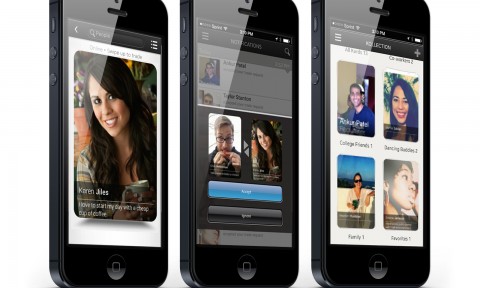
From swapping Pokémon cards to trading collector’s edition baseball cards, card trading has been as much of a tradition as sports fanaticism. In every day life, trading business cards, greeting cards & even I.D’s have become our default method for sharing personal & professional information, whether it’s handing off a business card to a potential